Best AI Recorder That Works Offline With No Internet in 2026
Key takeaway
Why professionals need a standalone AI recorder for client conversations without Wi-Fi, phone recording, laptop recording, or a meeting assistant.
The Bottom Line
Who it's for: Sales reps, consultants, researchers, students, and creators who handle key conversations in person, not only on Zoom, Google Meet, or Microsoft Teams.
What sets it apart: EurekaMind works as dedicated recording hardware. It captures the conversation first. EurekaMind then turns the recording into structured notes, action items, reminders, and conversation history.
Where it wins: EurekaMind fits client offices, field interviews, trade shows, classrooms, workshops, and places with weak internet connection.
Where it falls short: A software meeting assistant may be enough if most work happens through video calls.
Verdict: The best AI recorder keeps audio capture reliable when the room, network, or device setup may change.
The Failure Mode Nobody Plans For
Offline recording matters when the meeting does not go as planned. Guest Wi-Fi may fail. Mobile signal may drop between floors. A client meeting may start before anyone can open an app, invite a bot, or check recording modes.
Many AI tools struggle here. Fireflies, Otter.ai, and Microsoft Copilot are built for online meetings — they need a bot to join and a stable connection. In field sales, research, consulting, and education, those conditions often fail. The strongest AI recorder is the one that still works when the environment is not ideal.
What "Offline AI Recorder" Should Actually Mean
The term is often used loosely. “Offline” can describe three separate layers, and a product may support one without supporting the others.
| Offline layer | What it means | Question to ask |
|---|---|---|
| Offline capture | Audio is recorded and saved locally without a live connection | Will the recording continue in airplane mode? |
| Offline transcription | Speech-to-text runs locally without sending audio to a cloud service | Can a transcript be produced before the device reconnects? |
| Deferred sync | The recording waits safely and uploads after connectivity returns | What happens if the connection drops during sync? |
EurekaMind's documented boundary is specific: recording and local storage work offline. Cloud sync, AI summaries, and AskAgent usually need internet through a paired phone or computer. That means it supports offline capture and deferred processing; this guide does not claim that transcription runs fully offline.
Using EurekaMind Offline: What the Workflow Actually Looks Like
Before the conversation, the rep or researcher starts the recording directly from the device — long-press the corner key for half a second, a haptic buzz confirms it. No browser, bot, or laptop setup gets in the way.
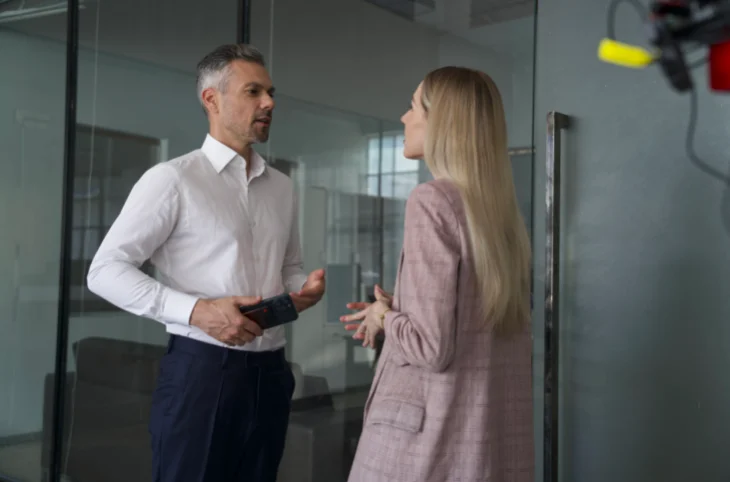
A phone is not a clean recording tool in these settings. Calls, alerts, lock screens, and app interruptions all compete for attention during the conversation. A laptop creates a different problem — opening one can make a discovery session or field interview feel too formal before rapport develops.
EurekaMind sidesteps both. It functions as a standalone voice recorder for professional conversations, and after the meeting, EurekaMind organises the recording into structured notes, action items, reminders, and follow-up context.
How EurekaMind Works: Capture First, Organise Later
EurekaMind is the hardware. EurekaMind is the AI assistant that turns the recording into useful output.
Recording → sync → AI notes → action items → reminders → conversation history
A basic voice recorder stops at audio. A transcription app stops at text. EurekaMind carries the conversation into a workflow built to help professionals act on it: a consultant gets a client summary, a sales rep gets follow-up context, a researcher gets interview themes, a student gets reviewable notes. Offline capture protects the raw conversation; EurekaMind is what makes it useful afterward.
Why Standalone Hardware Outperforms Phone or Laptop Recording
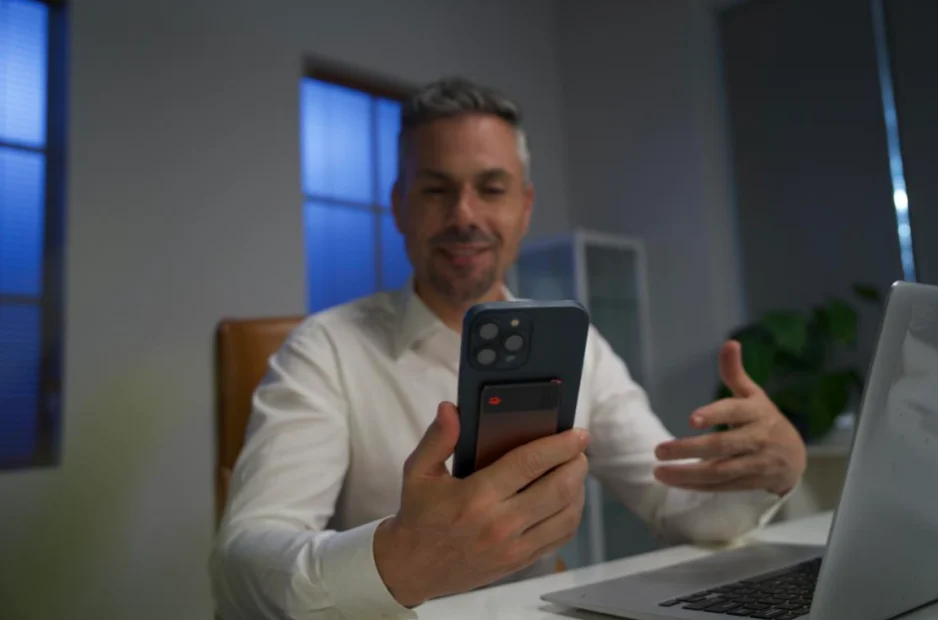
A smartphone can technically record audio, but it remains the wrong primary tool for an important professional conversation — it is also the device you need for maps, messages, and follow-up immediately after the meeting, so using it as the recorder adds device management at exactly the wrong moment.
Laptop recording has a different weakness: opening one can shift the tone from conversation to documentation, which can reduce trust in client meetings, interviews, or sensitive research settings.
Dedicated hardware removes both friction points. The practical benefit is not an unverified battery figure; it is keeping the recording task separate from the phone or laptop you still need for navigation, communication, and follow-up.
EurekaMind vs. Plaud and Otter.ai for Offline Recording
Otter.ai performs well for live transcription in scheduled online meetings, but offline, informal conversations give it little to work with.
Plaud is the closer comparison — also hardware built for real-world audio capture. Where the two differ is downstream of the recording. Where a general-purpose recorder typically stops at a transcript and a summary, EurekaMind routes the conversation into a fuller workflow: structured notes, action items, reminders, and a conversation history that carries forward across sessions with the same person or account.
Where Offline Capture Pays the Highest Dividend
Offline recording matters most when the conversation is more important than the connection:
- On an aircraft, airplane mode removes the live network but the conversation or voice note may still matter.
- In a basement or underground car park, mobile signal can disappear without warning.
- During international travel without roaming, a meeting cannot depend on a mobile data plan.
- On a construction site or in field work, connectivity may be weak, temporary, or unavailable.
- On a company network that blocks external services, a meeting bot or cloud upload may not be allowed.
- In a privacy-sensitive meeting, the approved workflow may require local capture first and a controlled sync later.
EurekaMind also helps with mid-conversation ideas and quick notes — a useful thought between meetings can be captured before the context disappears, without opening an app.
What to Verify Before Deploying Any Offline AI Recorder
Offline capture does not remove the need for data diligence. Before using any AI-powered audio recorder for sensitive work, check storage, encryption, retention, and access controls with your vendor directly.
Consent also matters — recording laws vary by location, and some jurisdictions require all-party consent. Always disclose recording before capturing professional conversations.
Test background noise, accents, speaking speed, and language support in your real environment. A clean demo is not the benchmark; a real client conversation is.
Final Verdict
The best AI recorder that works offline is not just a tool that saves audio without Wi-Fi. It captures the conversation without live internet, a mobile app, a phone, or a laptop, and then turns that recording into useful output.
EurekaMind earns that position through dedicated hardware and EurekaMind's post-recording workflow: protect the conversation first, then turn it into structured notes, action items, reminders, and searchable conversation history. For professionals who work across client offices, field locations, classrooms, and busy event spaces, offline capture is not a bonus feature — it is the foundation.
Related reading
FAQ
What does offline recording actually mean?
It can mean three different things: audio is saved locally during capture, transcription runs without a network, or completed files wait to sync. Ask vendors which layer works offline instead of relying on the label.
What works offline on EurekaMind?
Recording and local storage work offline. Cloud sync, AI summaries, and AskAgent usually need internet through a paired phone or computer.
Can EurekaMind record without a phone or laptop during the meeting?
Yes. The device can capture and store the recording locally during the conversation. A paired device and internet are normally needed later for cloud sync and AI outputs.
What should I test before relying on an offline recorder?
Test capture with airplane mode enabled, confirm the file remains on the device, restore connectivity, and verify that sync and later processing finish without losing or duplicating the recording.