From conversation to action. Effortlessly.
EurekaMind closes the loop from capture to follow-up.
Capture
Press the button. EurekaMind's 3-microphone system (2 ambient + 1 bone-conduction) captures meetings, calls, lectures and ideas. 64GB storage, no phone needed.
Insights
AI transcribes, identifies speakers, extracts action items, and generates smart summaries for review in the app or PC Web.
Action
Calendar events and todos auto-generate. Notes link to people. Need a PPT? One click. Every conversation becomes actionable.
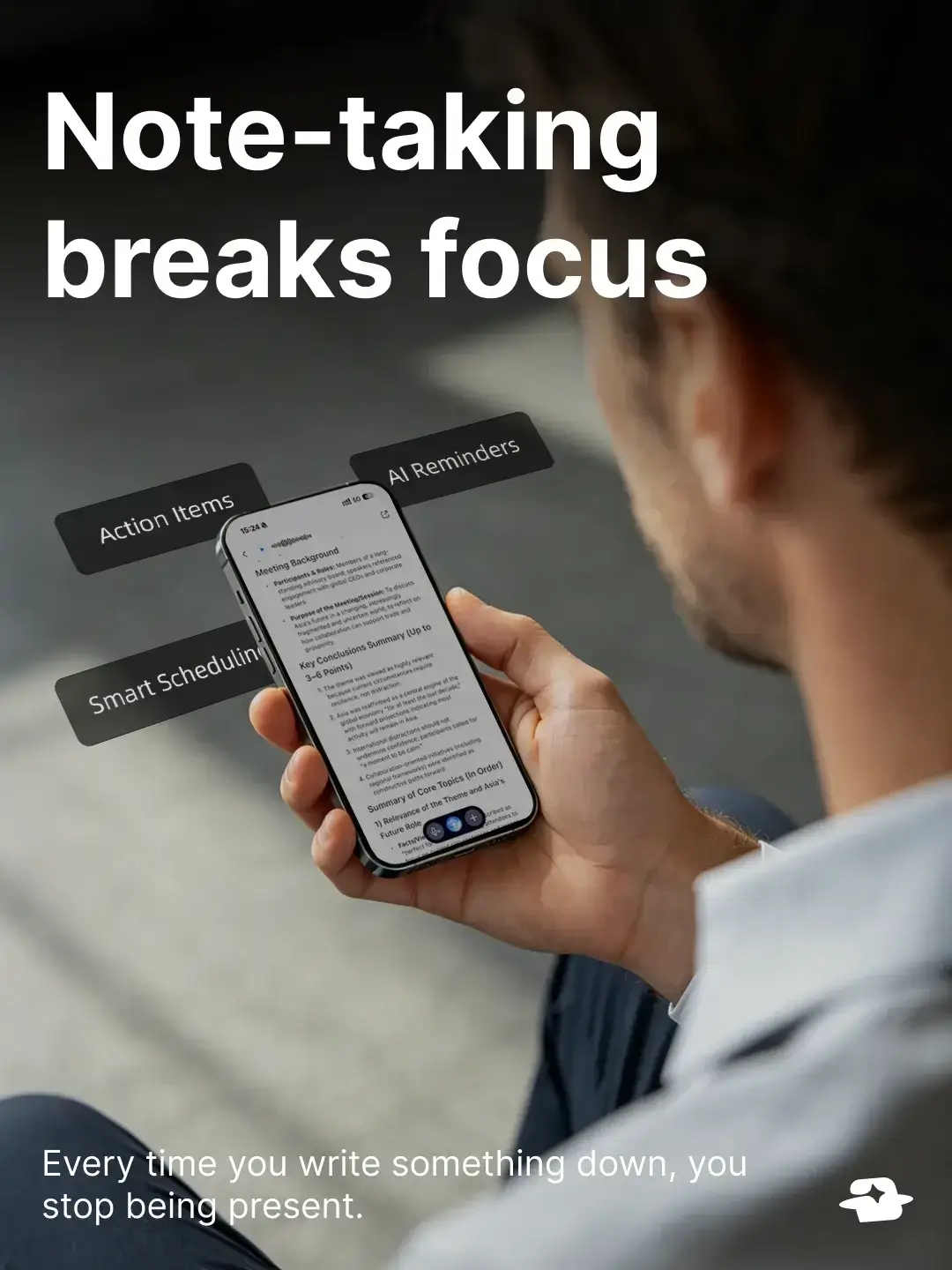
The reality of busy work


Product guide
Three buttons on the device, one structured workflow inside the app — capture to follow-up, end to end.
Capture with a press and hold
Press and hold the Corner Action Key to capture a quick idea; release it to finish. Vibration feedback confirms the interaction without needing to look at the screen.
Mark moments while recording
Single-click the Corner Key during a session to drop a timestamped marker, with two short haptic pulses. Jump straight to the marked moment later — no scrubbing.
Switch mic mode with the side slider
Up: phone-call mode with handset and the bone-conduction microphone. Down: ambient meeting mode with the 2-mic ambient array, up to 10 m. Tactile — no app, no menus.
Auto-takeover for Bluetooth headsets
Connect a headset and the system routes audio through the headset microphone. If it disconnects, EurekaMind automatically falls back to the on-board microphone array; confirm the active input and recording status in the app.
Check recording status on the LCD
The 0.96-inch LCD shows recording and connection status. Review AI summaries and action items later in the EurekaMind app or PC Web.
Edit speakers, accept reminders, sync calendar
Open the app to relabel speakers, tweak action items, and accept AI-suggested reminders — they flow into the built-in calendar in a few taps.
Ask AskAgent for deeper follow-ups
The built-in multi-model AI runs grounded chat on your recording with live web search, enriching industry terms or competitor context into report-ready answers.
One click → PPT deck or analysis report
Turn a meeting into a presentation-ready PPT or a structured deep-dive report in a single click. No slide-by-slide formatting, no manual rework.
What's inside
Hardware and AI engineered for the entire knowledge-work loop, not just transcription.
Hardware
3 microphones: 2 ambient + 1 bone-conduction
Two ambient microphones form a beamforming array with pickup up to 10 m; one bone-conduction microphone delivers handset-clear phone-call audio. Speaker diarization is built in across every mode.
0.96-inch LCD status display
The LCD shows recording and connection status at a glance. AI summaries and action items are reviewed in the app or PC Web.
Designed for blind operation
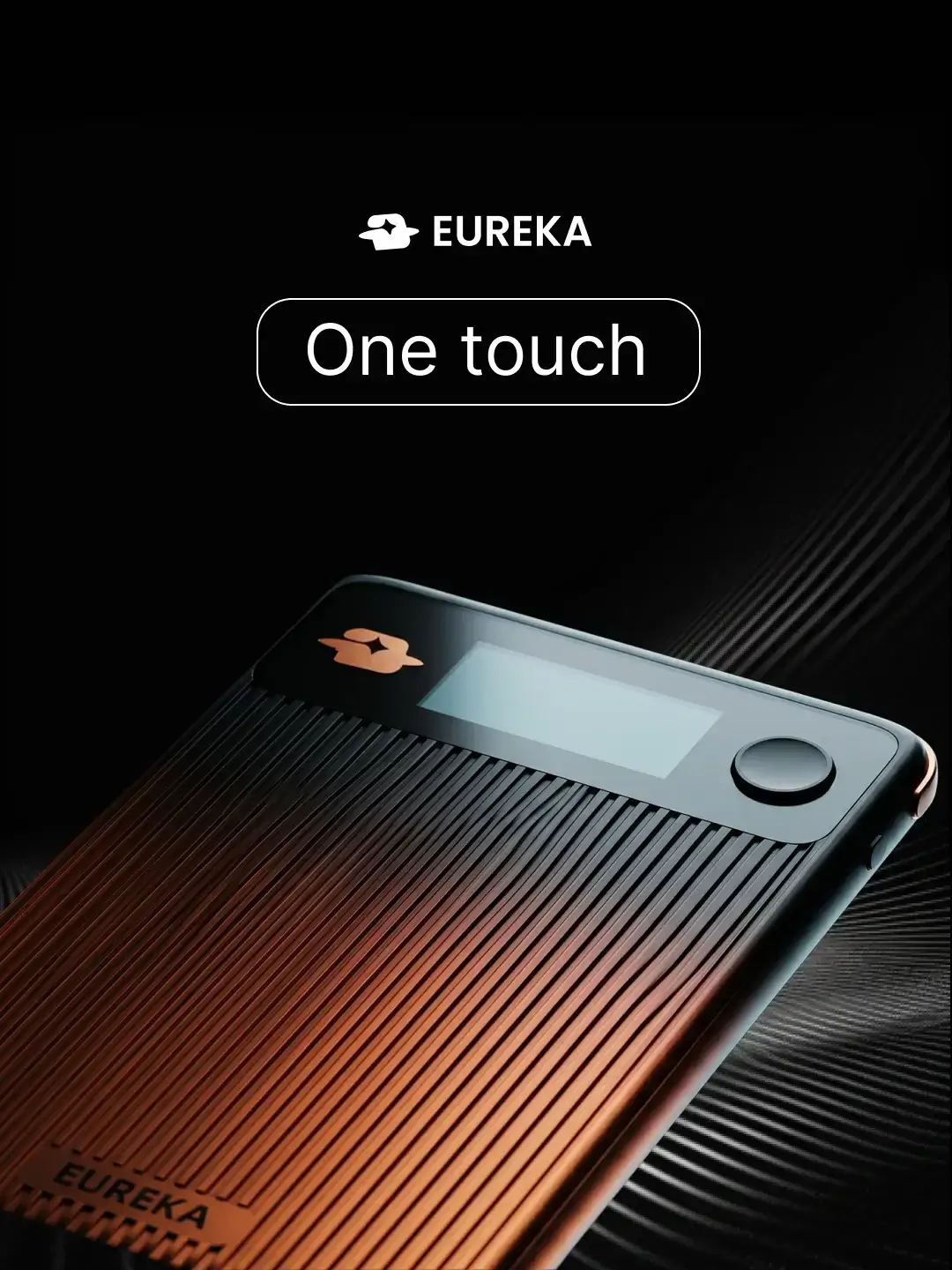
A raised Corner Key, full-glass gradient back and a tactile Side Slider with haptic feedback let you start, mark and switch modes without ever looking at the device.
Battery guidance and USB-C charging
Battery performance depends on product version, settings, connection state, and usage. Check the current product documentation for applicable recording and standby guidance. USB-C charging is available on the current 2.0 hardware.
AI & software
AskAgent — multi-model routing
Smart routing can select among supported GPT, Claude, and Gemini model families based on the task and current product configuration, with retrieval and web search where available.
Multilingual transcription and adaptable templates
EurekaMind is designed for multilingual transcription, translation, and adaptable note formats. Check the current product documentation for supported languages and feature availability.
Notes linked to people — a CRM seed
Speaker diarization auto-creates contact profiles. Every recording, transcript, action item and follow-up attaches to the right person, building a per-contact history over time.
Finished deliverables, not raw text
Walk out of a meeting with a presentation-ready PPT or a structured analysis report — not a wall of text and a mind map for you to format yourself.
Keep exploring EurekaMind
Product guides and field notes stay organized so the next detail is easy to find.
News & Updates
Launch notes, release updates, and product announcements.
Ready to Try?
Get EurekaMind and experience the full Capture → Insights → Action workflow.
Join Waitlist