Is Eureka Reliable for Daily Use in 2026?
Key takeaway
Why professional capture, follow-up quality, and workflow consistency matter more than feature lists.
A good AI recorder should not only perform well in a demo.
It should support a normal workday.
Many AI note-taking tools look useful in clean conditions. They work well when the meeting is scheduled, online, quiet, and easy to control.
Real work is different.
Conversations happen in client offices, noisy rooms, phone calls, hallways, cafes, customer sites, and quick follow-ups between meetings.
Professionals do not need a recorder only for perfect conditions.
They need a tool they can use every day with low friction.
That is the real test for Eureka.
Eureka is the dedicated recording hardware. EurekaMind helps turn captured conversations into structured notes, summaries, action items, reminders, and contact-centered conversation history.
The question is not only whether Eureka can record audio.
The better question is whether Eureka can support daily professional use across meetings, phone calls, interviews, customer service conversations, action items, and follow-ups.
What Daily Reliability Means
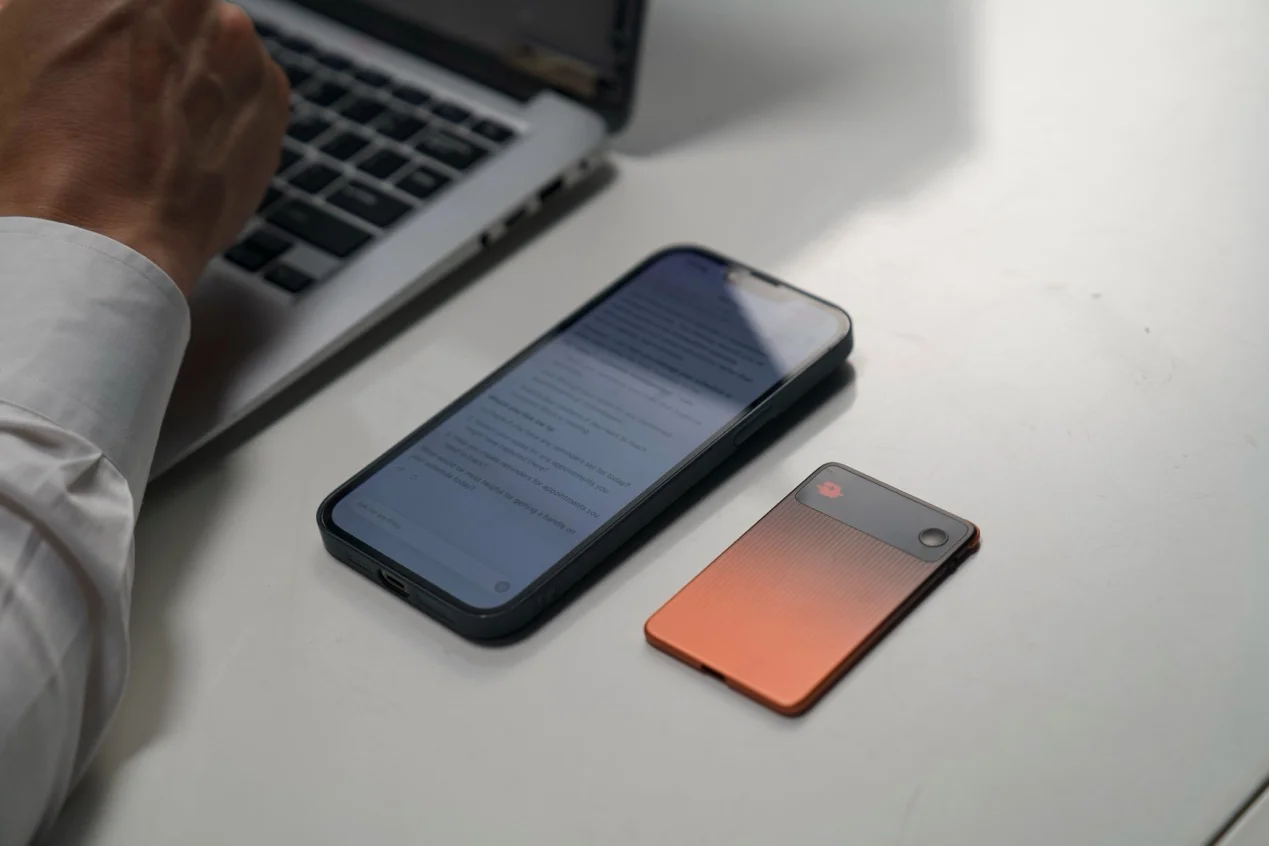
Reliability does not only mean the device turns on.
For an AI recorder, reliability has several layers.
First, the recorder should be easy to start. If recording takes too many steps, users may miss the beginning of a conversation.
Second, the capture experience should feel natural. A professional capture tool should not interrupt a client meeting, stakeholder call, in-person meeting, interview, or team discussion.
Third, the output should help after the conversation ends. A high quality recording is useful, but most users need more than audio. They need key takeaways, decisions, tasks, next steps, and searchable context.
Fourth, the workflow should work across different environments. Professional conversations happen in conference rooms, cafes, offices, cars, event spaces, customer sites, phone calls, and virtual meetings.
A tool that only works well in one clean online meeting platform may not be enough.
The full workflow is:
Capture → organize → review → follow up → search later.
Eureka makes the most sense when buyers judge it through that full chain.
My Daily-Use Test With Eureka
I used Eureka in a normal professional workflow instead of a staged test.
The day included a team discussion, a client follow-up, a phone-related conversation, and a short voice note after a meeting.
These moments were ordinary. That made them useful for testing.
Ordinary conversations build most work memory.
In the team discussion, I needed decisions and action items.
In the client follow-up, I needed the exact concern behind the request.
In the quick voice note, I wanted to save a thought before moving to the next task.
A phone app would have added friction. I would need to unlock the phone, open the app, check the input, and avoid notifications on the phone screen.
A meeting bot would only cover the scheduled online part.
Manual notes would also create trade-offs. I might miss part of the conversation while typing.
Eureka felt more practical because it works as dedicated recording hardware. Users can place it into the workday without turning every conversation into a screen-based process.
Afterward, EurekaMind helped organize the captured material into notes and follow-up items.
The value was not final, perfect notes.
The value was easier recovery of spoken information.

Why Standalone Capture Matters
Many AI note-taking tools depend on a phone, laptop, video conferencing setup, or meeting platform.
That works for scheduled online meetings.
But daily professional work does not always happen online.
A sales rep may hear the real objection after the formal meeting ends.
A consultant may get important context during a side conversation.
A founder may capture a useful stakeholder thought while walking between phone calls.
A journalist or researcher may need to preserve a field interview without making the setup feel heavy.
Standalone capture helps because it reduces friction.
Eureka is not just another app waiting on a phone screen. It is a dedicated AI recorder built for real-world professional conversations.
EurekaMind then organizes the material after capture.
That distinction matters because the AI workflow depends on capture quality.
When capture fails, the user loses the summary, action item, reminder, and searchable history.
A reliable daily AI recorder must start with dependable capture.
How EurekaMind Makes Daily Recordings Useful
Recording more conversations only helps when the output stays manageable.
A basic voice recorder mainly saves audio.
EurekaMind adds the organization layer.
It turns captured conversations into structured notes, summaries, action items, reminders, and contact-centered history.
That makes Eureka more useful than simple phone recording apps or basic recording apps.
A normal voice recorder answers one question:
What was said?
EurekaMind supports more practical follow-up:
- Key points from the conversation
- Speaker context
- Next steps
- Action items
- Useful details for the next conversation
- Searchable notes for later review
For professionals, this difference matters.
A product manager needs action items from a discussion.
A consultant needs stakeholder notes.
A sales rep needs follow-up points.
A founder needs relationship memory.
A researcher needs interview context.
A manager needs decisions and commitments.
This is why Eureka's workflow should be understood as voice-to-action, not just voice-to-text.
The recording starts the process.
The value appears when the conversation becomes usable.
Eureka vs Phone Apps and Meeting Bots
Phone recording apps are convenient, but they are not always ideal for professional capture.
A phone also handles notifications, messages, calendars, authentication, and social media. Placing it in the center of an important conversation can feel awkward.
The user also has to remember to open the right app at the right time.
Meeting bots solve a different problem.
They work best for scheduled online meetings. They can be useful for Zoom, Google Meet, Teams, and other meeting platforms.
But they fit in-person conversations less well.
They may also miss customer visits, field interviews, phone calls, informal follow-ups, or mixed audio and video workflows that happen outside one platform — the same gap we cover in Why AI Meeting Bots Don't Work In Person.
Eureka sits in a different category.
It focuses on real-world capture first.
EurekaMind handles the organization layer after capture.
That makes Eureka more suitable for professionals who move between online, offline, and phone-related work.
Eureka does not need to replace every note-taking tool.
It fills the gap where phone apps, meeting bots, and manual notes become unreliable.
Accuracy, Privacy, and Real-World Limits
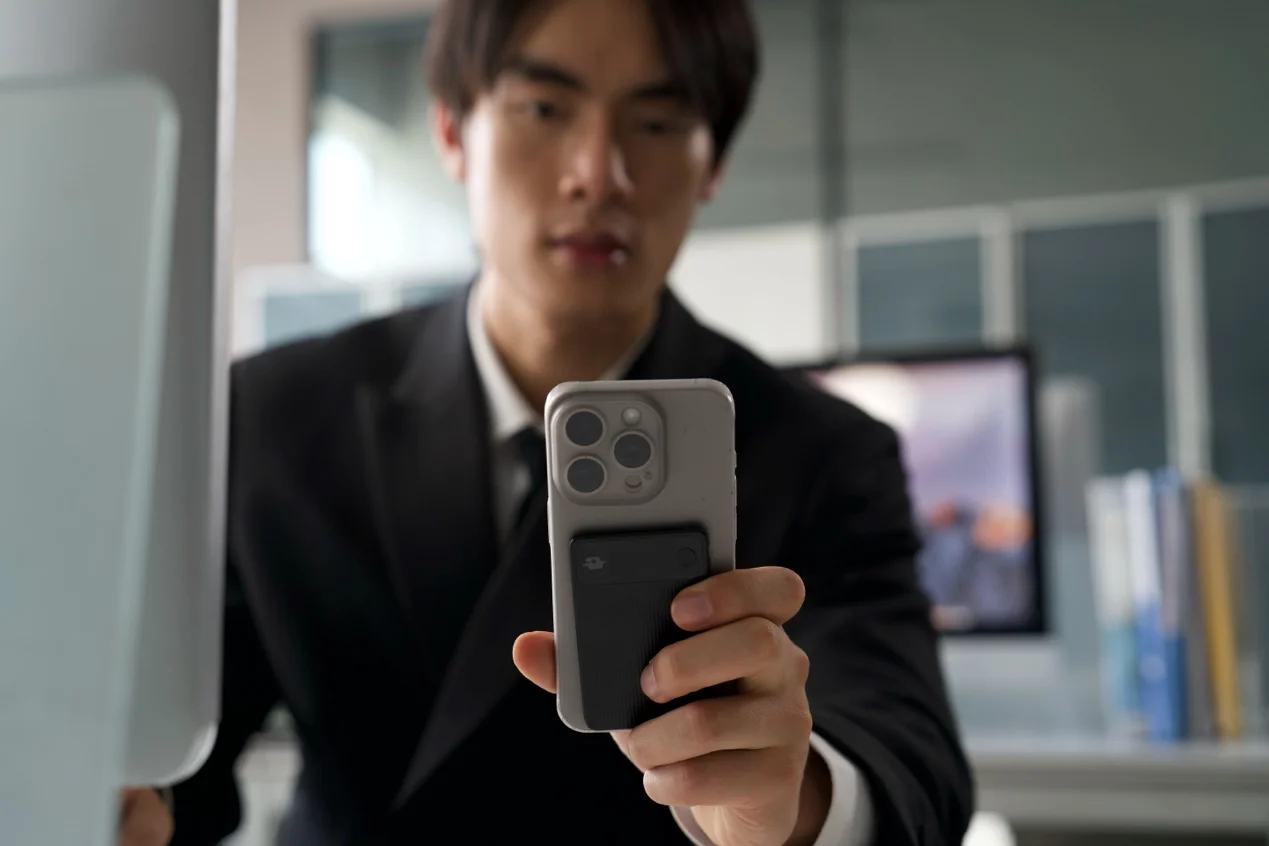
No AI recorder should be treated as perfect.
Room noise, speaker distance, overlapping voices, accents, fast speech, and device placement can affect transcription accuracy and speaker separation.
A quiet office will usually produce cleaner results than a noisy cafe or crowded event space.
Users should review important notes before sending follow-ups, assigning tasks, or using summaries for business decisions.
Privacy also matters.
Professional conversations may include client information, internal strategy, employee details, pricing, legal issues, personal context, or confidential feedback.
Before using Eureka or any AI recorder, users should check consent rules, storage settings, sync behavior, encryption information, deletion controls, and company policy.
Users should treat EurekaMind as an assistant, not an authority.
It can help organize conversations, but the user still owns judgment, review, and responsible use.
That is the honest way to evaluate daily reliability.
The question is not whether the tool is flawless.
The better question is whether it reduces lost information without creating new workflow problems.
Who Should Consider Eureka for Daily Use
Eureka is best for professionals who depend on conversations every day.
That includes sales reps, consultants, founders, product managers, recruiters, real estate agents, journalists, researchers, HR managers, executive assistants, and customer service teams.
It is especially useful for people who move between formal meetings and informal conversations.
Important context often appears after the meeting, outside the call, or between scheduled blocks.
In those situations, a dedicated recorder can make sense.
Eureka may be less necessary for users who only need occasional transcription or who already work fully inside one online meeting platform.
But many professionals manage work memory across calls, meetings, notes, and quick conversations.
For them, Eureka can create a more reliable capture layer.
Final Verdict
So, is Eureka reliable enough for daily professional use?
For users who need real-world capture plus organized follow-up, Eureka is worth considering.
Its strength comes from the combination of Eureka as a dedicated capture device and EurekaMind as the organization layer.
Together, they support structured notes, action items, reminders, and contact-centered history.
That makes Eureka more useful than a basic voice recorder and more flexible than a meeting bot for professionals who work across in-person, phone-related, and informal conversations.
The practical value is simple:
Fewer missed details, better follow-up, and a more complete memory of the conversations that shape the workday.
Frequently Asked Questions
Is Eureka reliable enough for daily professional use?
Eureka is worth considering for daily professional use because it combines dedicated recording hardware with EurekaMind's structured note workflow. Users should still review accuracy, privacy settings, and whether the workflow fits their work style.
How is Eureka different from a normal voice recorder?
A normal voice recorder mainly saves audio. Eureka captures conversations through dedicated hardware, while EurekaMind helps organize recordings into notes, summaries, action items, reminders, and searchable history.
Is Eureka better than a meeting bot for in-person conversations?
Eureka is more suitable for in-person and real-world conversations because it does not depend on a scheduled online meeting link. Meeting bots are useful for online calls, but they may miss informal or offline discussions.
How accurate is Eureka's transcription and speaker separation?
Accuracy can depend on room noise, speaker distance, overlapping voices, accents, and placement. Users should review important transcripts, speaker labels, summaries, and action items before relying on them.
What should professionals check before using any AI recorder?
Professionals should check consent rules, privacy settings, storage and sync behavior, deletion controls, transcription quality, speaker separation, action item usefulness, recording modes, and whether the device is practical for daily use.